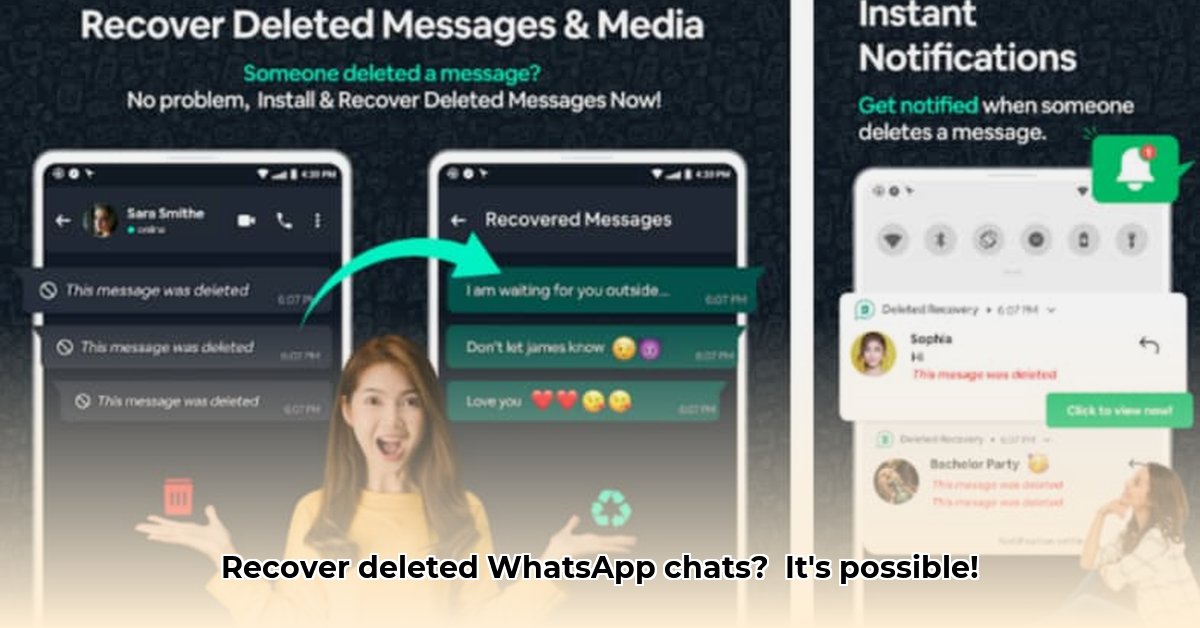
Ever accidentally deleted a crucial WhatsApp conversation? That sinking feeling is all too familiar. Imagine losing irreplaceable photos from a recent family gathering or a vital work discussion just vanished. Fortunately, apps like WhatsDeleted and UnDelete offer a potential solution, but navigating this technology requires understanding its capabilities and limitations. This guide will demystify WhatsApp message recovery, empowering you to make informed decisions and protect your digital memories.
Understanding WhatsApp Message Recovery Apps
Apps like WhatsDeleted and UnDelete aren't magic; they work by accessing the remnants of deleted messages and media left on your phone. They capitalize on temporary data storage, often exploited through notification access and media auto-download functionality within WhatsApp. Think of it like recovering fragments of a broken vase; the more fragments available, the better the chance of reconstruction. These apps don't directly access WhatsApp's servers; their effectiveness relies on data lingering on your device after deletion.
How WhatsDeleted and Similar Apps Function
These apps primarily exploit two key mechanisms:
Notification Access: Your phone temporarily stores notification data, even after you delete a message. WhatsDeleted and similar apps attempt to extract this information before it's purged from your system. This is like recovering deleted files from the Recycle Bin – the longer it sits there, the less likely it is to be recoverable.
Media Auto-Download: If you have WhatsApp's auto-download setting enabled for media (photos and videos), the app might recover these files even if the associated message is deleted. This is because the media files are temporarily downloaded to your device.
However, these methods have limitations. Clearing notification histories, muting chats, disabling auto-download, or simply waiting too long significantly reduces the chances of successful recovery.
WhatsDeleted vs. UnDelete: A Comparative Analysis
Both WhatsDeleted and UnDelete aim to recover deleted WhatsApp data, but their strengths differ. UnDelete often focuses on text message recovery through notification log analysis. WhatsDeleted, however, is marketed as having broader capabilities, including media recovery. While both offer similar functionalities, user reviews and comparisons suggest WhatsDeleted might have a slightly higher success rate for recovering photos and videos, though neither guarantees perfect recovery. The choice depends on your specific needs – prioritizing text or media recovery.
Actionable Intelligence: Maximizing Your Recovery Chances
To increase your chances of successful recovery, consider these steps:
Enable Media Auto-Download: In WhatsApp settings, activate the auto-download feature for media. This significantly boosts the chances of recovering photos and videos using WhatsDeleted or similar apps.
Keep WhatsApp Notifications Enabled: Avoid muting notifications, especially for important chats. Preserving notification data provides these apps with more information to work with.
Strategic App Selection: Carefully choose an app based on your needs. UnDelete might suffice for text-focused recovery, while WhatsDeleted may be preferable for media recovery. Always meticulously review app permissions and user reviews before installation.
Manage Expectations: Understand the inherent limitations of these apps. While they offer valuable assistance, recovery isn't guaranteed. Success depends on several factors, including the timing and type of deleted data.
Privacy Considerations: A Crucial Aspect
Granting these apps access to your notifications and media raises privacy concerns. Thoroughly review the requested permissions and privacy policy of any recovery app before installation. Examine user reviews; data security risks should be considered seriously before handing over access to your phone's data.
Beyond Recovery Apps: Proactive Data Management
The most effective way to avoid needing a recovery app is to proactively manage your WhatsApp data:
Regular Backups: Regularly back up your WhatsApp chats to Google Drive, iCloud, or a similar service. This acts as a comprehensive safety net, ensuring you rarely need to resort to recovery apps.
Conscious Deletion: Pause before deleting messages, particularly important conversations. If a message requires preservation, save it elsewhere.
Using WhatsApp recovery apps is a last resort. While they provide a lifeline for accidental deletions, proactive data management is the ultimate safeguard. Prioritize regular backups and mindful deletion practices to minimize reliance on these apps.
⭐⭐⭐⭐☆ (4.8)
Download via Link 1
Download via Link 2
Last updated: Sunday, May 11, 2025